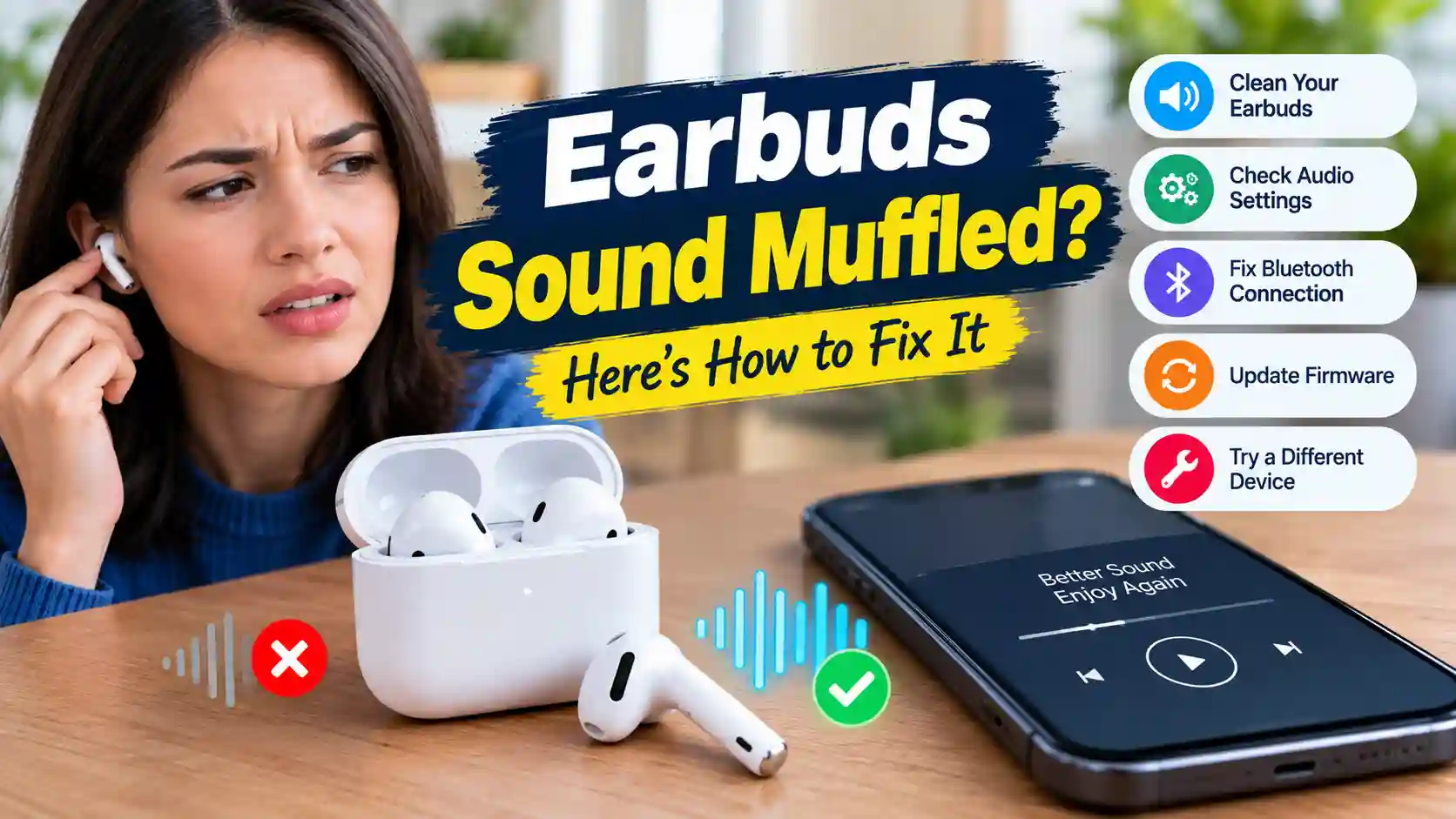
Meta description: One earbud quieter than the other? Learn the real causes of muffled earbuds, from wax to water, and how to clean AirPods and other buds without damaging them.
Your earbuds used to sound crisp. Now one side is quieter, the bass feels thin, or everything sounds like it’s coming through a pillow. Before you order a new pair, know that most muffled earbuds aren’t broken. They’re blocked.
Here’s how to work out what’s going on and fix it without making things worse.
The four usual suspects
1. Earwax on the mesh. This is the cause most of the time. Each earbud has a fine mesh over the speaker opening. A thin layer of wax, which you may not even see, can cut volume and clarity a lot. Because one ear often makes more wax than the other, it usually affects one bud first.
2. Water or sweat. A workout, a rainy walk or a trip through the washing machine can leave moisture sitting on the mesh. Water blocks sound much like wax, and you’ll often hear a crackle or a “wet” tone.
3. Pocket dust and lint. Earbuds that travel loose in a pocket or bag pick up fluff in the mesh and in the charging case.
4. Settings, not hardware. Sometimes the earbud is fine and the phone is the problem. Check your audio balance slider (under Accessibility on iPhone and Android), any EQ app, and volume limits before you start cleaning.
Check which side is the problem first
Before cleaning anything, confirm which earbud is actually weaker. It’s surprisingly easy to misjudge, especially if you’ve worn one bud more than the other.
Put both earbuds in and play sound to one channel at a time. A quick left and right speaker test in your browser plays noise to the left only, then the right only, then both. If one side is clearly quieter or duller, that’s the one to clean. If both sound equally muffled, the cause is more likely a setting, or a blocked charging case that left both buds damp.
How to clean earbuds without damaging them
You need: a soft, dry toothbrush, a microfiber cloth, a wooden toothpick (only for the case), and optionally some blue painter’s tape or reusable putty.
- Wipe the outside with the dry microfiber cloth. Skip running water and harsh sprays.
- Brush the mesh gently with a soft, dry toothbrush, holding the bud mesh-down so loosened wax falls out rather than in.
- Lift stubborn wax by pressing a small piece of painter’s tape or putty onto the mesh and peeling it away. Repeat a few times.
- Clean the case. Run a dry toothpick carefully around the edges of the charging wells and use the brush on the contacts. Dirty contacts cause charging problems that are often mistaken for battery failure.
- Avoid pins, needles, compressed air at close range, and pushing a cotton swab into the mesh. These can tear the mesh or push debris further in.
A little isopropyl alcohol on the cloth (not on the mesh itself) is fine for the outer shell if you want to disinfect.
Use sound to finish the job
Brushing removes surface wax, but loose particles and water often sit just behind the mesh. That’s where sound helps. Playing a low tone makes the tiny driver move back and forth, and that movement pushes water droplets and loose flakes outward.
A free earbuds cleaner lets you play cleaning tones through the left bud, the right bud, or both. Use water mode after rain or sweat, and the sweep mode for dust and dry wax. One rule matters here: take the earbuds out of your ears first. Lay them mesh-down on a dry cloth while the tone plays. The sound is meant for the speaker, not your eardrums.
Run 30 seconds, test with a song you know well, and repeat up to three times.
If they got really wet
If your earbuds went through the wash or got dropped in water:
- Take them out of the case right away and don’t put them back until both are fully dry.
- Don’t charge them for at least a few hours. Charging wet contacts causes corrosion.
- Dry them mesh-down in open air. Skip rice, hair dryers and radiators.
- Clear trapped water with a water-mode tone once the outside is dry.
Many modern earbuds are sweat- and splash-resistant, but very few are built to be submerged. A careful drying routine saves most of them.
When cleaning won’t help
If an earbud still sounds distorted at every volume after cleaning and drying, makes a constant crackle, or cuts in and out even close to the phone, the driver or battery may be failing. At that point, check your warranty or the maker’s replacement program. A single replacement bud usually costs far less than a new pair.
Keep them clear
A 30-second brush once a week and a dry case keep most earbuds sounding new for years. When sound starts to dull, check which side, clean it gently, and finish with a tone. You’ll fix most problems in minutes, for free.